
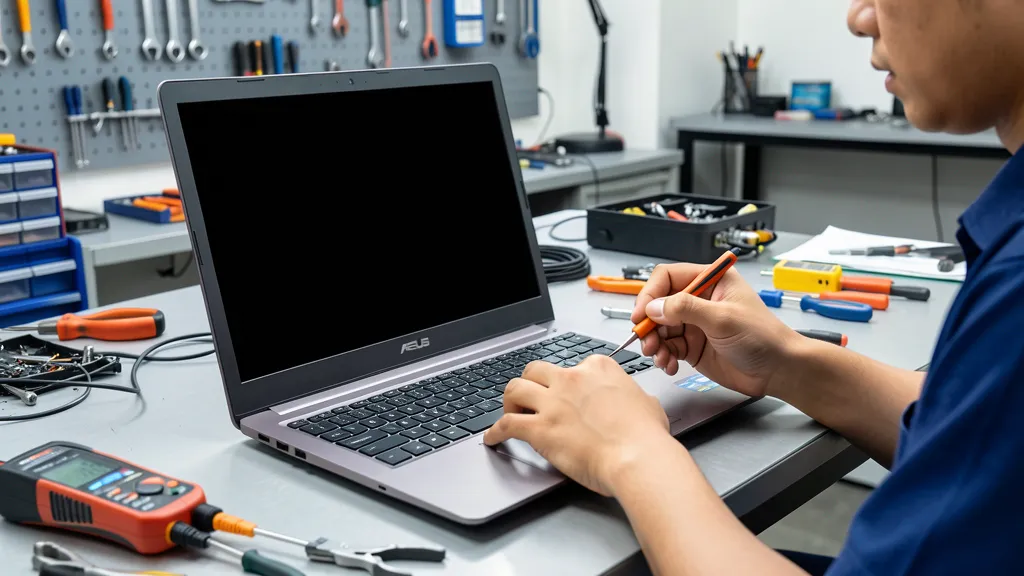
Your Asus laptop powers on, you hear the startup sound, but the screen stays completely black. This frustrating problem affects ZenBook, VivoBook, and TUF Gaming owners across Singapore daily. The good news? Most black screen issues have clear causes and proven fixes.
At BreakFixNow, we’ve diagnosed over 1,500 Asus black screen cases. After analyzing failure patterns across all laptop models, we’ve identified the exact causes and most effective repair solutions.
This guide reveals why your Asus screen goes black, walks you through diagnostic steps, and shows when DIY troubleshooting works versus when professional screen repair is necessary.
Table of Contents
Why Black Screen Issues Happen
Asus laptop black screens occur for specific hardware and software reasons. Understanding these causes helps you diagnose the problem quickly.
1. Display Cable Failure
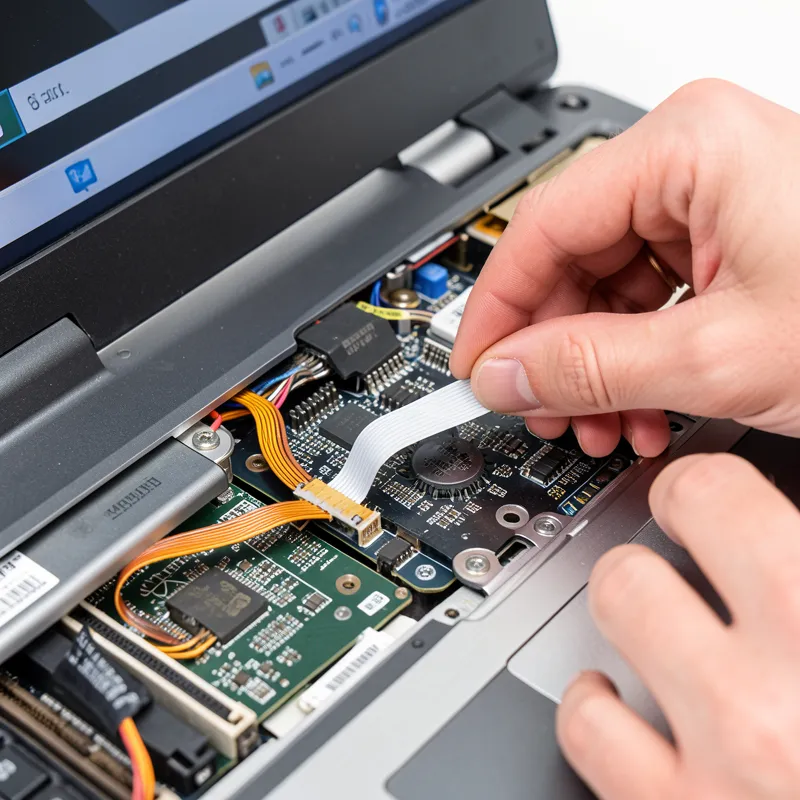
The LVDS or eDP cable connecting your screen to the motherboard can become loose or damaged. Repeated opening and closing of the laptop lid stresses this cable. ZenBook and VivoBook models with slim hinges show higher failure rates after 18-24 months of use.
2. Graphics Driver Corruption
Windows updates sometimes break Nvidia or Intel graphics drivers. Your laptop boots normally but the display driver fails to initialize, leaving the screen black. Audio and keyboard backlighting work, but nothing appears on screen.
3. LCD Panel Backlight Failure
The LED backlight strip behind your LCD panel can burn out. The screen technically displays an image, but it’s invisible without backlight illumination. You might see a very faint image if you shine a flashlight directly at the screen.
4. GPU Chip Failure
The graphics processing unit on your motherboard can fail from overheating or manufacturing defects. TUF Gaming and ROG laptops running demanding games for extended periods experience higher GPU failure rates.
5. RAM Connection Issues
Loose or faulty RAM modules prevent proper system initialization. The laptop powers on but never reaches the display stage. This often occurs after physical shock or improper handling during transport.
6. BIOS Corruption
Failed BIOS updates or power loss during firmware installation can corrupt system firmware. The laptop appears dead with no display output. BIOS recovery requires specialized tools and procedures.
Warning Signs (Catch It Early)
Recognize these symptoms before complete screen failure. Early detection prevents more expensive damage.
Early Warning Signs:
- Screen flickers intermittently during startup
- Display works fine after multiple restart attempts
- Screen dims unexpectedly then recovers
- Laptop boots normally but screen takes 30+ seconds to display
- External monitor works perfectly while laptop screen stays black
- Screen shows distorted colors or horizontal lines before going black
Critical Failure Indicators:
- Screen remains black regardless of restart attempts
- Backlight doesn’t illuminate (no faint glow visible)
- Laptop boots but screen never displays BIOS or Windows logo
- Physical clicking sound from hinge area during screen movement
- Screen works when positioned at specific angles only
Important: If your screen suddenly went black after a drop or impact, power off immediately and seek professional diagnosis. Internal damage can worsen with continued use.
Which Asus Models Are Affected?
Black screen problems occur across all Asus laptop lines, but certain models show higher failure rates.
ZenBook Series: Display cable stress failures
Ultra-thin ZenBook 13, ZenBook 14, and ZenBook Duo models use delicate display cables that fail from repeated hinge movement. Models UX325, UX434, and UX481 commonly develop black screens after 18-24 months.
VivoBook Series: Backlight inverter issues
VivoBook 15 and VivoBook S series (X512, X513, S533) experience LED backlight failures. The screen displays images but remains completely dark. Flashlight test reveals active LCD with no backlight.
TUF Gaming Series: GPU overheating damage
TUF Gaming laptops (FX505, FX506, FA506) run hot during extended gaming sessions. Inadequate cooling causes GPU chip deterioration, leading to black screen failures under load or during startup.
ExpertBook Series: Driver and firmware conflicts
ExpertBook P and B series (P2451, B9450) suffer from Windows Update compatibility issues. Intel graphics drivers corrupt after major OS updates, causing post-boot black screens that require safe mode recovery.
ROG Strix & Zephyrus: High-performance GPU failures
Gaming ROG laptops push graphics hardware to limits. ROG Strix G15/G17 and Zephyrus M16 models show GPU chip failures after heavy use. Black screens occur intermittently before complete failure.
DIY Troubleshooting vs Professional Repair
Some black screen issues resolve with simple troubleshooting. Others require professional expertise and specialized equipment.
DIY Troubleshooting Steps:
Test 1: Force Restart
Hold power button for 15 seconds, release, then power on normally. This clears temporary system glitches that cause black screens.
Test 2: External Monitor Check
Connect an external monitor via HDMI. If external display works, your laptop’s LCD panel or display cable has failed. If external monitor also shows black, the GPU or motherboard has issues.
Test 3: Brightness Adjustment
Press Fn + F5/F6 repeatedly to increase brightness. Some Asus models dim to zero brightness accidentally, appearing as black screens.
Test 4: Safe Mode Boot
Boot into Windows Safe Mode (press F8 during startup). If display works in Safe Mode, graphics drivers are corrupted and need reinstallation.
Test 5: RAM Reseat
Power off, remove battery (if removable), open bottom panel, and reseat RAM modules. Loose RAM prevents proper display initialization.
When DIY Fails:
If these tests don’t resolve the black screen, professional diagnosis is necessary. Attempting complex repairs without proper tools risks further damage.
Professional Repair Services:
What Experts Can Fix:
- Replace damaged display cables with genuine Asus parts
- Repair or replace failed LCD backlight systems
- Diagnose and repair GPU chip failures using specialized equipment
- Recover corrupted BIOS with programmer tools
- Replace entire LCD panels when backlight repair isn’t viable
- Perform comprehensive testing to prevent recurrence
Screen Repair Costs in Singapore
Understanding repair pricing helps you make informed decisions about repair versus replacement.
| Repair Type | Asus Official | BreakFixNow | Time Required |
|---|---|---|---|
| Display Cable Replacement | $120-$180 | $70-$120 | 2-3 hours |
| Backlight Repair | $150-$220 | $90-$150 | 3-4 hours |
| LCD Panel Replacement | $250-$450 | $180-$320 | 4-6 hours |
| GPU Chip Repair | $350-$600 | $250-$450 | 1-2 days |
Cost Factors:
- Screen size (15.6″ costs less than 17.3″ panels)
- Resolution (4K panels cost significantly more than FHD)
- Touch capability (touch screens add $100-$200 to repair cost)
- Parts availability (older models require special orders)
Prevention Tips That Actually Work
Proper care extends display lifespan and prevents black screen failures.
1. Handle Laptop Lid Carefully
Never grab laptop by the screen corners. Hold it from the base when opening or closing. This reduces stress on display cables and hinges.
2. Keep Graphics Drivers Updated
Check MyAsus app monthly for driver updates. Install Asus-approved graphics drivers only, not generic Windows Update versions.
3. Avoid Extreme Temperatures
Don’t leave laptops in hot cars or direct sunlight. Heat damages LCD panels and accelerates component failure.
4. Use Proper Shutdown Procedures
Always shut down through Windows menus. Force shutdowns (holding power button) can corrupt BIOS and drivers.
5. Clean Vents Regularly
Dust buildup causes overheating that damages GPU chips. Clean air vents every 3-4 months using compressed air.
6. Transport Safely
Use padded laptop bags. Physical shock can disconnect display cables or damage RAM modules, causing black screens.
Get Professional Help in Singapore
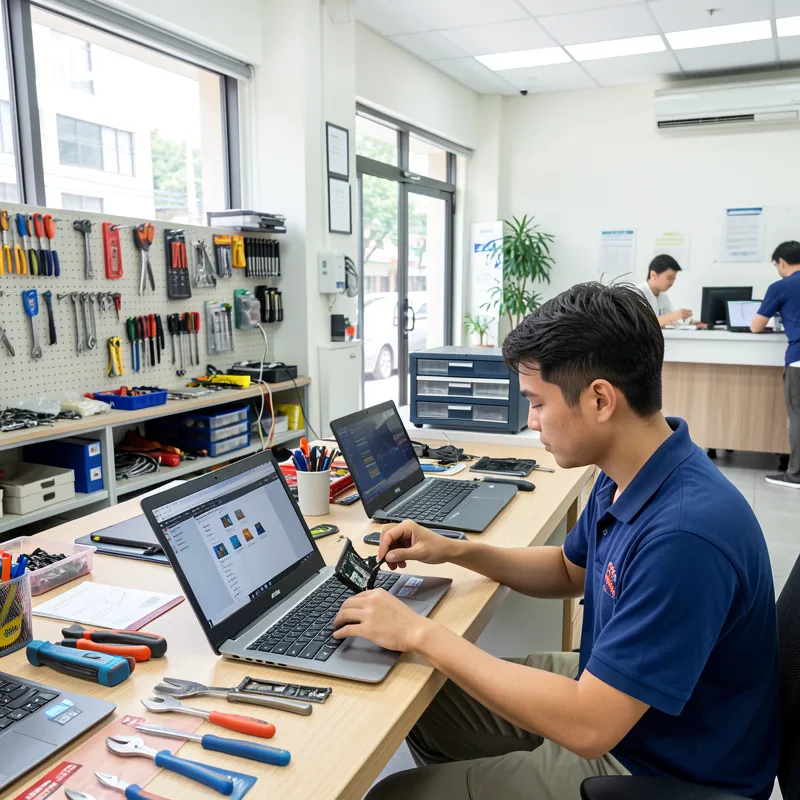
At BreakFixNow, we’ve repaired over 1,500 Asus black screen issues across Singapore. Our specialized diagnostic tools identify exact failure causes quickly.
Why Choose BreakFixNow:
- ✅ Display Specialists: We stock genuine Asus LCD panels and display cables for all models
- ✅ Fast Diagnosis: Free 15-minute testing identifies exact cause of black screen
- ✅ Same-Day Repairs: Most display cable and backlight repairs completed in 2-4 hours
- ✅ Quality Parts: OEM-grade components with 90-day warranty on all repairs
- ✅ Expert Technicians: Specialized training in Asus laptop display systems
- ✅ Transparent Pricing: Know exact costs before we start work – no surprises
We Fix All Asus Models:
ZenBook • VivoBook • TUF Gaming • ExpertBook • ROG Strix & Zephyrus • Chromebooks & 2-in-1s
Frequently Asked Questions
Q: My Asus screen is black but I hear Windows starting. What’s wrong?
A: This indicates a display-specific problem, not motherboard failure. Most likely causes are display cable disconnection, backlight failure, or graphics driver corruption. Connect an external monitor to determine if it’s hardware or software related.
Q: Can a black screen be fixed, or do I need a new laptop?
A: Most black screen issues are repairable. Display cable replacements cost $70-$120, while LCD panel replacements run $180-$320. Unless your laptop is over 5 years old with multiple problems, repair is cost-effective.
Q: Why does my Asus screen work sometimes but stay black other times?
A: Intermittent black screens indicate a loose display cable or failing backlight inverter. The connection works when positioned correctly but fails when moved. This will worsen over time – repair it before complete failure.
Q: How long does screen repair take?
A: Display cable replacements take 2-3 hours. Backlight repairs require 3-4 hours. Full LCD panel replacements need 4-6 hours. Most repairs complete same-day with no appointment needed.
Q: Is screen repair covered under warranty?
A: Asus warranty covers manufacturing defects but excludes physical damage. If your laptop is under warranty and the black screen occurred without drops or impacts, contact Asus first. For out-of-warranty or damaged screens, independent repair is faster and cheaper.
Take Action Now
Don’t let a black screen cripple your productivity. Whether you try DIY troubleshooting or need professional repair, addressing display issues quickly prevents further damage.
For ZenBook, VivoBook, TUF Gaming, or ROG laptop owners in Singapore, BreakFixNow delivers expert screen repairs with same-day service. Our technicians diagnose problems accurately and use quality parts that restore your display to perfect condition.
🔧 Related Repair Services
Need help with your Asus laptop screen issues? Check out these services:
- Asus ZenBook Repair – Full repair services for ZenBook models
- Asus VivoBook Repair – Complete VivoBook repair solutions
- Asus TUF Gaming Repair – Gaming laptop specialist repairs
- Laptop Screen Repair – Screen repairs for all laptop brands
Need Asus Screen Repair in Singapore?
📞 WhatsApp: +65 9750 4333
⏰ Service Hours: Monday-Saturday, 10 AM – 8 PM
📍 Islandwide Service: Convenient locations across Singapore
✅ Free Diagnostic • ✅ No Fix No Pay • ✅ 90-Day Warranty