
Graphics Card Repair Singapore
GPU no display, artifacting, overheating, or dead card? BreakFixNow diagnoses and repairs desktop graphics cards in Singapore. Nvidia, AMD, and Intel Arc. Walk in to our Queen St outlet — no appointment needed.
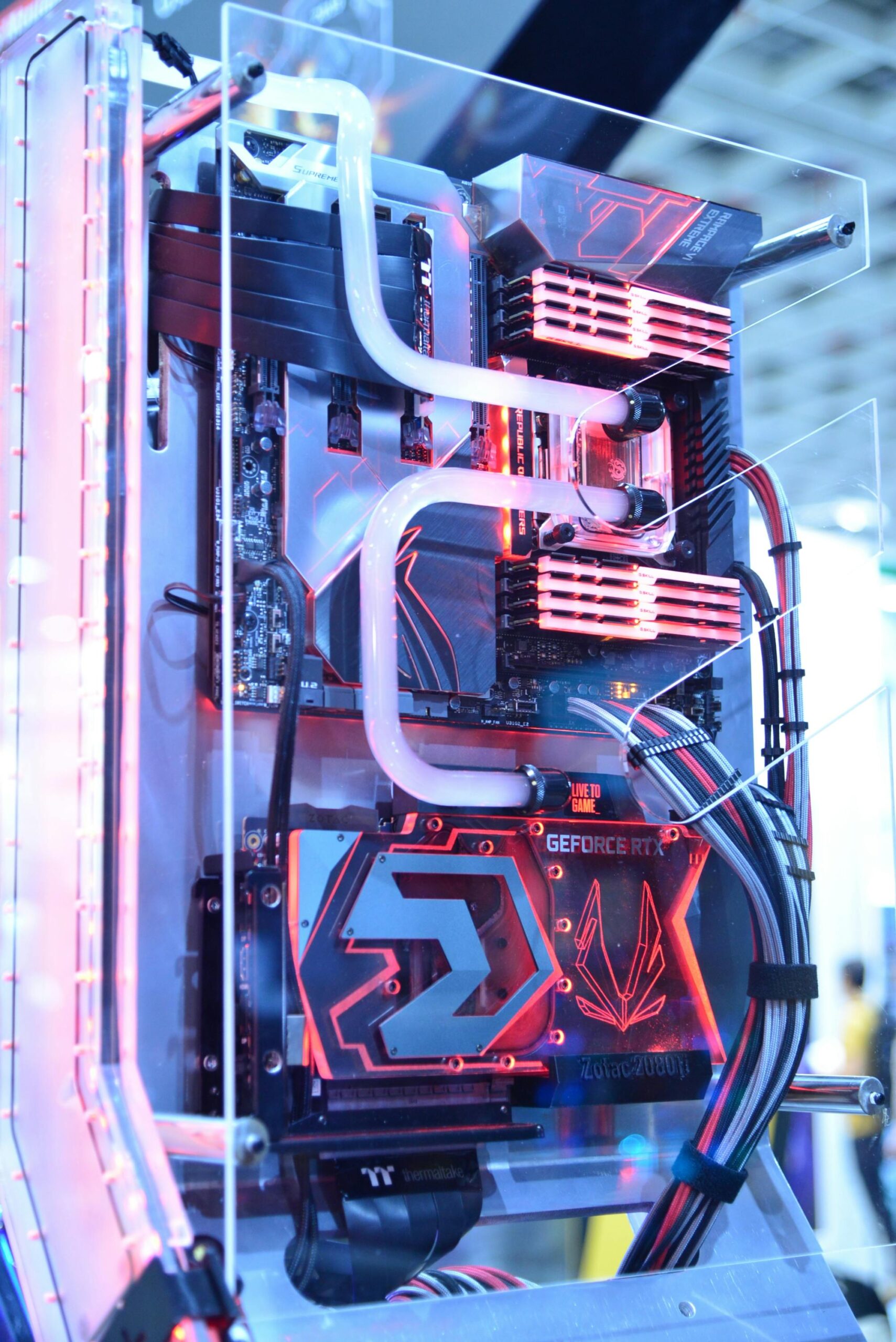
GPU Repair & Replacement – BreakFixNow Singapore
Graphics card issues can bring your desktop to a complete stop — no display, random crashes, corrupted visuals, or total failure. BreakFixNow provides professional graphics card diagnosis and repair in Singapore for gaming rigs, workstations, and home desktops. Our technicians work with all major GPU brands including Nvidia GeForce, AMD Radeon, and Intel Arc.
Whether your card has artifacting, fan failure, power delivery issues, or simply won’t POST, we diagnose the fault on the spot and give you an upfront quote before any work begins.
📍 Walk-in: 62 Queen St, CYFL 04 Little Red Dot Building, Singapore 188541 | 📞 WhatsApp: +65 9750 4333
Graphics Card Repair Cost – Singapore
Repair pricing depends on fault type and GPU model. The table below shows typical price ranges. A final quote is provided after diagnosis — no obligation to proceed.
| Repair Type | Estimated Time | Price (SGD) |
|---|---|---|
| GPU Diagnosis & Assessment | 30 – 60 min | Free (waived on repair) |
| Fan Replacement (single) | 1 – 2 hours | From $40 |
| Thermal Paste & Pad Replacement | 1 – 2 hours | From $60 |
| GPU Reflow / Reballing (no display, artifacting) | 1 – 3 days | From $120 |
| Power Delivery / VRM Repair | 1 – 3 days | From $150 |
| GPU Replacement (entry/mid-range) | Same day | From $180 |
| GPU Replacement (high-end) | Same day | From $450 |
⚠️ Final pricing depends on GPU model and fault severity. WhatsApp us your GPU model and symptoms for a faster estimate before coming in.
Common Signs Your Graphics Card Needs Repair
GPU faults can look like software problems or OS issues. These are the most common hardware symptoms that indicate your graphics card needs professional attention:
- No display on boot — desktop powers on but monitor shows nothing (black screen, no signal)
- Artifacting — strange pixel patterns, colour blocks, lines, or distorted textures on screen
- Screen freezes or crashes — system locks up during gaming, video editing, or other GPU-intensive tasks
- Random blue screens (BSOD) — especially errors like VIDEO_TDR_FAILURE or DXGKRNL errors
- Overheating — GPU temps consistently above 90°C, thermal throttling, or emergency shutdowns
- Loud or failed fans — grinding noise from GPU fans, or fans not spinning at all
- Card not detected — GPU missing from Device Manager or BIOS
- Display port issues — some outputs dead while others work
Quick Checks Before Coming In
Before bringing your desktop in, try these quick steps — they resolve a surprising number of GPU-related issues:
- Reseat the GPU — power off completely, remove the card, and firmly reinsert it into the PCIe slot.
- Check power connectors — ensure 6-pin or 8-pin PCIe power cables are fully plugged into the GPU.
- Try a different display cable and a different monitor or TV.
- Clear CMOS — remove the motherboard battery for 30 seconds to reset BIOS settings.
- Test with integrated graphics if your CPU has one — if iGPU works, the issue is isolated to the GPU.
- Check GPU fans are spinning on boot. If not, fan failure may be causing thermal shutdown.
If none of these resolve the issue, bring the GPU (or the full desktop) to BreakFixNow for a free diagnosis.
Our GPU Repair Process
- Free Diagnosis — We test your GPU: display output, VRAM stability, thermals, fan operation, and power delivery. No charge, and no obligation to proceed.
- Upfront Quote — We explain the fault and give you a fixed price before any repair begins. No surprises.
- Repair on Approval — Once you approve, our technicians carry out the repair — fan replacement, thermal work, reflow/reballing, or component-level board repair as needed.
- Post-Repair Testing — GPU is stress-tested under load (Furmark, GPU-Z, Heaven Benchmark) to confirm stability before handover.
- Warranty — All repairs include a 90-day warranty. If the same fault recurs, we fix it at no charge.
GPU Brands & Models We Repair
Nvidia GeForce
RTX 4090, 4080, 4070 Ti, 4070, 4060 Ti, 4060 — RTX 3090, 3080 Ti, 3080, 3070 Ti, 3070, 3060 Ti, 3060 — RTX 2080 Ti, 2080 Super, 2070 Super, 2060 Super — GTX 1080 Ti, 1080, 1070 Ti, 1070, 1660 Super, 1660 Ti, 1650.
AMD Radeon
RX 7900 XTX, 7900 XT, 7800 XT, 7700 XT, 7600 — RX 6900 XT, 6800 XT, 6800, 6750 XT, 6700 XT, 6650 XT, 6600 XT, 6600 — RX 5700 XT, 5700, 5600 XT — RX 580, 570, 480, 470.
Intel Arc
Intel Arc A770, A750, A580, A380.
Looking to sell your old GPU instead? See our GPU trade-in page for buyback prices. • AI PC Build Singapore • NAS & Workstation Repair
Graphics Card Repair – FAQ
Is the diagnostic free?
Yes — GPU diagnosis is free. We assess the card and give you a quote at no charge. The diagnostic fee is only applied if you decline the repair and want the card returned without work done.
How long does GPU repair take?
Simple faults like fan replacement or thermal paste work are typically done within 1–2 hours. Component-level repairs such as reflow or reballing take 1–3 days. We’ll give you a timeline after diagnosis.
Can you fix a GPU with no display output?
Yes. No-display faults can be caused by a dead output port, failed VRAM, GPU core failure, or power delivery issues. We diagnose the specific cause and advise whether repair is viable before proceeding.
Do you repair GPUs with artifacting or VRAM errors?
Yes. Artifacting is often caused by VRAM instability or solder joint failure on the GPU die. Reflow or reballing can resolve these in many cases. We test VRAM thoroughly during diagnosis to determine if the fault is recoverable.
Can you replace GPU fans?
Yes. We stock or source replacement fans for most common GPU models. If a direct replacement fan isn’t available, we can fit compatible alternatives. Fan replacement is one of the most common repairs we perform.
Do I need to bring the full desktop or just the GPU?
Just the GPU card is fine if it’s already removed. If you’re not sure whether the issue is the GPU or another component (PSU, motherboard), bring the full desktop and we’ll test the system as a whole.
What warranty do repairs come with?
All hardware repairs include a 90-day warranty. If the same fault recurs within that period, we repair it at no additional charge.
Do you repair laptop GPUs?
Laptop GPUs are soldered directly to the motherboard and cannot be removed or replaced separately. If your laptop has GPU-related display faults, bring the laptop in — we assess and repair at motherboard level. See our laptop repair page for more.