
Build High-Performance PC for AI Training & Generation Singapore
Custom AI workstation builds in Singapore — optimised for machine learning, LLM fine-tuning, Stable Diffusion, ComfyUI, and AI video generation. Expert component selection, assembly, OS and driver setup. Free consultation, 90-day warranty.
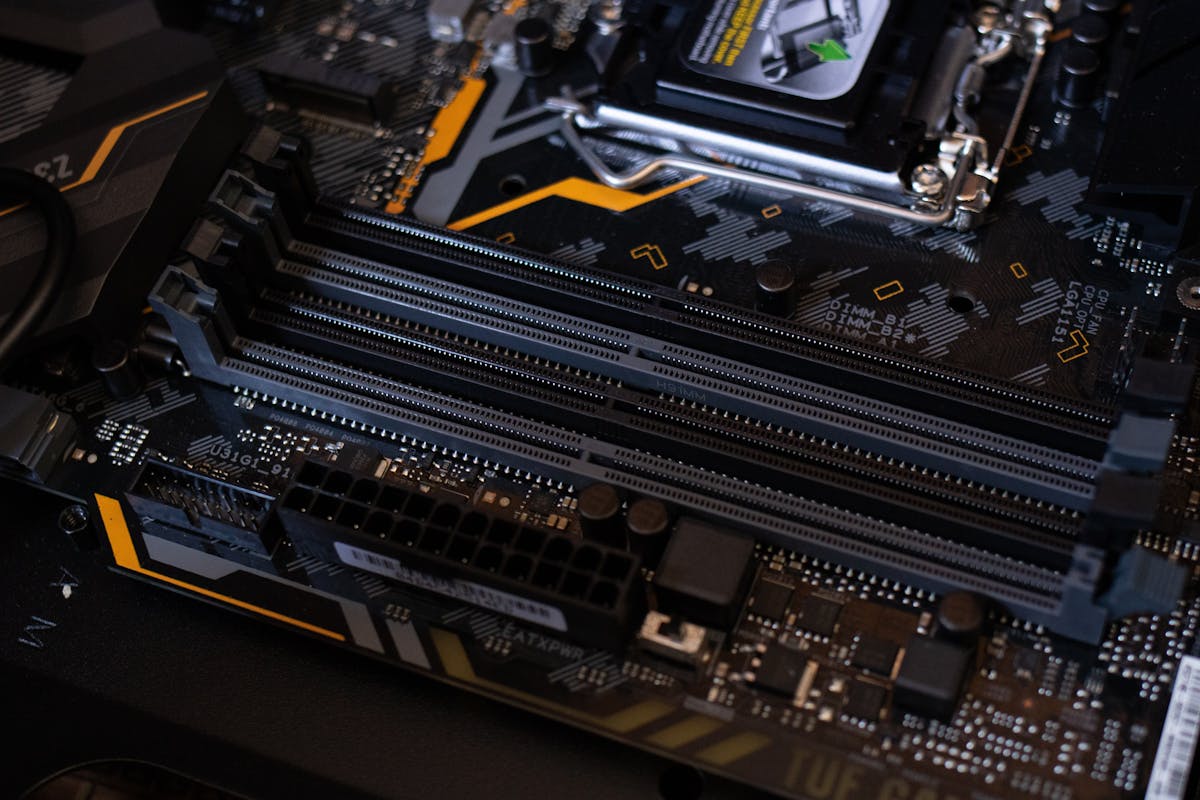
AI PC Build Services at BreakFixNow
Whether you’re training large language models, running Stable Diffusion locally, fine-tuning vision models, or building an AI video generation rig — BreakFixNow designs and assembles high-performance AI workstations tailored to your exact workload and budget. We handle everything from component selection and sourcing to assembly, BIOS tuning, OS installation, CUDA/ROCm driver setup, and benchmarking.
📍 Walk-in: 62 Queen St, CYFL 04 Little Red Dot Building, Singapore 188541 | 📞 WhatsApp: +65 9750 4333
🖥️ AI PC Build Services
- Custom AI Workstation Build — Full build from parts selection to final assembly, specced for your target workload.
- GPU Selection & Installation — Expert advice on NVIDIA RTX, RTX PRO, and A-series GPUs for CUDA workloads, or AMD RX 7000-series for ROCm/PyTorch. Multi-GPU configurations supported.
- CPU & Platform Selection — AMD Threadripper PRO, Intel Xeon W, or high-core-count consumer platforms matched to your I/O and memory bandwidth needs.
- RAM Configuration — ECC and non-ECC DDR5/DDR4. High-capacity builds (128GB–512GB) for large dataset preprocessing and model fine-tuning.
- Storage & Dataset Drive Setup — NVMe RAID for fast dataset I/O, large HDD arrays for storage, and SSD caching configurations.
- Cooling & Power Configuration — Custom AIO or open-loop water cooling for sustained GPU and CPU boost clocks. High-wattage PSU selection for multi-GPU setups.
- OS & AI Stack Setup — Ubuntu or Windows 11, CUDA toolkit, cuDNN, PyTorch, TensorFlow, Stable Diffusion WebUI (AUTOMATIC1111/ComfyUI), and Ollama setup included on request.
- Remote Access & Network Setup — SSH, Tailscale, or VPN configuration for remote job submission and access.
🤖 Common AI Workloads We Build For
- ✓ LLM Training & Fine-Tuning — LoRA, QLoRA, full fine-tune of Llama, Mistral, Phi, Gemma using Unsloth, Axolotl, or HuggingFace Transformers
- ✓ Local LLM Inference — Run Ollama, LM Studio, or llama.cpp with 24GB–80GB+ VRAM configurations
- ✓ Stable Diffusion & Image Generation — AUTOMATIC1111, ComfyUI, Forge — fast generation with high VRAM GPUs and NVMe scratch storage
- ✓ AI Video Generation — Wan2.1, CogVideoX, HunyuanVideo — high VRAM multi-GPU builds
- ✓ Computer Vision & Object Detection — YOLO, SAM2, DINO on GPU-accelerated PyTorch stacks
- ✓ Data Science & ML Research — Jupyter, pandas, scikit-learn, XGBoost requiring high-RAM CPU builds with fast NVMe storage
- ✓ Multi-Agent AI Systems — High-CPU-core builds for running multiple local AI agents or serving multiple users on a local inference server
GPU Recommendations by Use Case
| GPU | VRAM | Best For |
|---|---|---|
| RTX 4070 Ti / 4080 | 16GB | Stable Diffusion, local LLM (7B–13B), small model fine-tuning |
| RTX 4090 | 24GB | SDXL, LLM inference (up to 30B), LoRA fine-tuning |
| RTX 5090 | 32GB | AI video generation, large model inference, multi-task workloads |
| 2× RTX 4090 | 48GB | 70B model inference, full fine-tune of mid-size LLMs |
| RTX PRO 6000 / A6000 | 48GB | Professional AI research, large batch training, ECC workloads |
| AMD RX 7900 XTX | 24GB | ROCm/PyTorch workloads, budget large VRAM option |
Sample AI PC Build Configurations
| Tier | CPU | GPU | RAM | Storage | Est. Price |
|---|---|---|---|---|---|
| Entry AI | Ryzen 9 7900X | RTX 4070 Ti | 64GB DDR5 | 2TB NVMe + 4TB HDD | From $3,500 |
| Mid AI | Ryzen 9 7950X | RTX 4090 | 128GB DDR5 | 4TB NVMe + 8TB HDD | From $6,500 |
| Pro AI | Threadripper PRO | 2× RTX 4090 | 256GB ECC | 8TB NVMe RAID | From $14,000 |
| Enterprise | Intel Xeon W | RTX PRO 6000 | 512GB ECC | Custom RAID | On Request |
Our Build Process
- Free Consultation — We discuss your AI workloads, target models, budget, and upgrade plans to spec the right build.
- Component Selection & Quotation — Detailed parts list with pricing, alternatives, and justification for each component.
- Sourcing & Procurement — We source from trusted suppliers. You can supply your own parts or have us procure everything.
- Assembly & Cable Management — Professional assembly with full cable management and thermal paste application.
- BIOS Configuration & Stress Testing — BIOS tuning for XMP/EXPO, PCIe Gen 4/5, power limits, and full stress test before OS install.
- OS & AI Stack Installation — Ubuntu or Windows 11, CUDA, drivers, and AI frameworks pre-installed and verified working.
- Handover & Documentation — Full system walkthrough, build documentation, and configuration notes on handover.
Why Choose BreakFixNow for Your AI PC Build?
- ✓ AI Workload Expertise — We understand VRAM requirements, PCIe bandwidth, NVLink, and the software stack — not just generic PC assembly.
- ✓ Unbiased Component Advice — We recommend what’s right for your workload. NVIDIA and AMD both considered.
- ✓ Full-Stack Setup — OS, CUDA, drivers, and AI frameworks all installed and tested before handover.
- ✓ Post-Build Support — Available after handover for software issues, driver updates, or model setup questions.
- ✓ 90-Day Warranty — All hardware work and installations covered.
- ✓ Future-Proof Builds — We design with upgradeability in mind — extra PCIe slots, PSU headroom, compatible platform choices.
AI PC Build Singapore — FAQ
How much does it cost to build an AI PC in Singapore?
Entry-level builds start from around SGD $3,500. Mid-range builds with RTX 4090 and 128GB RAM start from $6,500. Professional multi-GPU builds start from $14,000. Free detailed quotation provided before any commitment.
Which GPU is best for Stable Diffusion or AI image generation?
Minimum 16GB VRAM recommended — RTX 4070 Ti or RTX 4080 are excellent mid-range choices. RTX 4090 (24GB) is the best consumer option for SDXL and ControlNet stacks. For AI video (Wan2.1, HunyuanVideo), a dual RTX 4090 or RTX 5090 is ideal.
Can I run large language models locally on a custom PC?
Yes. With RTX 4090 (24GB) you can run models up to 30B in quantised form using Ollama or llama.cpp. For 70B models, a dual RTX 4090 (48GB) or RTX PRO 6000 (48GB) is recommended.
Do you install CUDA, PyTorch, and the AI software stack?
Yes — Ubuntu or Windows 11, NVIDIA drivers, CUDA toolkit, cuDNN, PyTorch, TensorFlow, Stable Diffusion WebUI, ComfyUI, Ollama, and any other frameworks you need. Everything tested and verified before handover.
Should I use AMD or NVIDIA for AI work?
NVIDIA is the stronger choice for most AI workloads due to mature CUDA support. AMD ROCm support has improved significantly and is a viable budget option for PyTorch on Linux. We advise based on your specific requirements and budget.
Can you build a multi-GPU AI workstation?
Yes. We build dual and quad GPU configurations. NVLink supported on select RTX 4090 and professional-grade cards. We ensure full PCIe Gen 4/5 bandwidth and appropriate PSU capacity for all multi-GPU setups.
How long does it take to build an AI PC?
Most builds completed within 3–7 business days from parts confirmation — assembly, testing, OS installation, and AI stack setup included. Complex multi-GPU or custom water-cooled builds may take slightly longer.
Can I supply my own components?
Yes. If you have some components already, we can work with what you have and source the rest. We review compatibility before proceeding and flag any potential issues.
Do you offer ongoing support after the build?
Yes. Post-build support for software issues, driver updates, model setup, and troubleshooting. Hardware covered by 90-day warranty.