
Apply Thermal Paste for CPU & GPU in Singapore
CPU or GPU running too hot? BreakFixNow applies thermal paste for CPUs and GPUs professionally — dried or missing compound is one of the most common causes of overheating in desktops and laptops. Walk in to our Queen St outlet — no appointment needed.
About Our Service
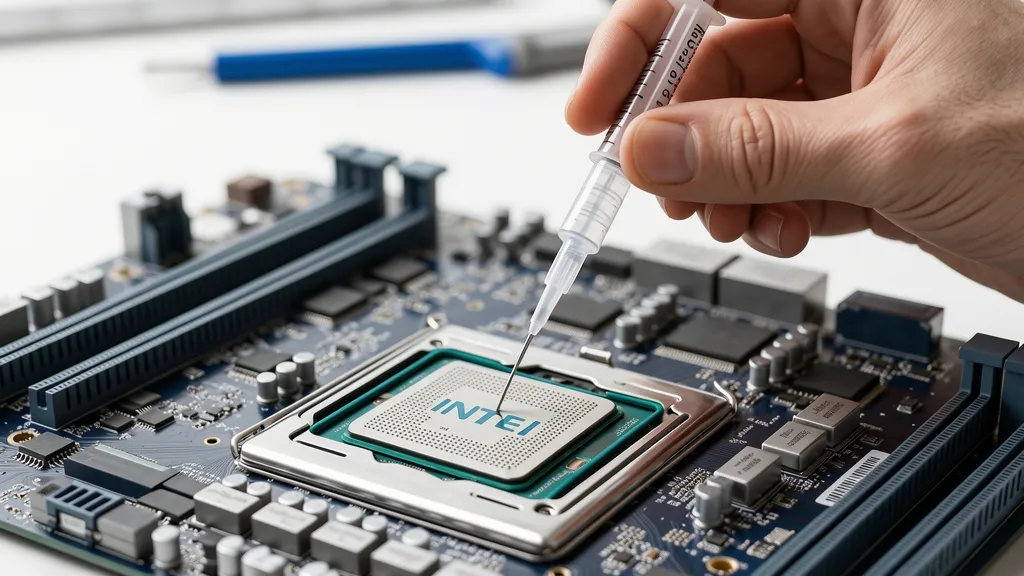
Thermal paste (also called thermal compound or thermal interface material) is the thin layer of conductive material between your CPU or GPU die and its heatsink or cooler. Over time it dries out, cracks, and loses effectiveness — causing temperatures to rise, performance to throttle, and components to wear prematurely.
BreakFixNow provides professional thermal paste replacement for CPUs and desktop graphics cards in Singapore. We use Arctic MX-4 as our standard compound across all services, with Thermal Grizzly Kryonaut available on request for high-performance builds. Whether your system is running hot during gaming, throttling under load, or hitting thermal shutdowns, we diagnose the cause and apply the right compound correctly.
📍 Walk-in: 62 Queen St, CYFL 04 Little Red Dot Building, Singapore 188541 | 📞 WhatsApp: +65 9750 4333
Pricing
Pricing depends on the component type, cooler complexity, and whether additional servicing (fan cleaning, pad replacement) is required. A final quote is provided after inspection — no obligation to proceed.
| Service | Time | Price (SGD) |
|---|---|---|
| CPU Thermal Paste – Desktop | 30–60 min | From $40 |
| CPU Thermal Paste – Laptop | 45–90 min | From $40 |
| GPU Thermal Paste | 1–2 hours | From $60 |
| GPU Paste + Thermal Pad Replacement | 1–2 hours | From $80 |
| Full System (CPU + GPU) | 2–3 hours | From $100 |
⚠️ Final pricing depends on system model and cooler type. WhatsApp us your device model and symptoms for a faster estimate before coming in.
Signs You Need a Repaste
Thermal paste degrades over time — typically every 3–5 years on a well-maintained system, sooner on laptops or systems in hot environments. These are the most common signs it’s time for fresh thermal paste:
- CPU or GPU temps consistently above 85–90°C at idle or light load
- Thermal throttling — system slows down during gaming, rendering, or intensive tasks
- Sudden shutdowns or restarts — thermal protection cutting power to prevent damage
- Fan running at maximum speed constantly — cooler working overtime to compensate
- PC older than 3 years without any previous thermal maintenance
- Laptop getting extremely hot to the touch on the keyboard deck or base
- Performance noticeably worse than before in games or heavy applications
- Recent disassembly or repair where paste was disturbed or not reapplied correctly
Quick Checks First
Before visiting us, try these steps — they sometimes resolve temperature issues without needing a paste replacement:
- Check case airflow — ensure intake and exhaust fans are unobstructed and spinning correctly.
- Clean dust filters and heatsinks — heavy dust buildup on heatsink fins blocks airflow dramatically.
- Check fan curves in BIOS or software — fans may be incorrectly configured to run slow even under load.
- Monitor temps with HWMonitor or GPU-Z — confirm which component is overheating before assuming paste is the cause.
- Check cooler mounting pressure — a loose CPU cooler mounting bracket causes poor contact and high temps even with fresh paste.
If temperatures remain high after these checks, the thermal compound is the most likely culprit. Bring the system to BreakFixNow for a free diagnosis.
Our Process
- Inspection & Temperature Check — We boot your system and log baseline temperatures using HWMonitor, GPU-Z, or HWiNFO to confirm thermal paste is the root cause.
- Disassembly — Cooler, heatsink, or GPU shroud is carefully removed. All screws, standoffs, and brackets are tracked.
- Old Paste Removal — Dried compound is fully removed from both the die and heatsink base using 99% isopropyl alcohol and lint-free applicators.
- Thermal Pad Inspection — For GPUs, VRAM and VRM thermal pads are inspected. Dried or damaged pads are replaced at the same time.
- Fresh Compound Application — Arctic MX-4 is applied as standard using the correct method for the component. Thermal Grizzly Kryonaut available on request.
- Reassembly & Torque — Cooler is remounted with correct and even pressure. Laptop screws are torqued in sequence to prevent warping.
- Post-Service Stress Test — System is run under full load (Prime95 for CPU, Furmark for GPU) and temperatures are logged to confirm the improvement.
Compounds We Use
We use Arctic MX-4 as our standard compound — reliable, non-conductive, and well-suited to Singapore’s climate. Thermal Grizzly Kryonaut is available on request for overclocking or high-performance builds.
| Compound | Type | Best For | Availability |
|---|---|---|---|
| Arctic MX-4 | Non-conductive | All CPUs & GPUs | ✅ Standard |
| TG Kryonaut | Non-conductive | High-perf, OC | On request |
| Noctua NT-H2 | Non-conductive | General use | On request |
| TG Conductonaut | Liquid metal | Extreme CPU | On request |
Note: Liquid metal compounds are electrically conductive and are only recommended for desktop CPUs on appropriate hardware. We advise on suitability before application.
Devices We Service
Desktop CPUs
Intel Core i3 / i5 / i7 / i9 (12th, 13th, 14th Gen), AMD Ryzen 5 / 7 / 9 (3000 / 5000 / 7000 / 9000 series), AMD Threadripper, older Intel Core generations (6th–11th Gen).
Desktop GPUs
Nvidia RTX 4090 / 4080 / 4070 / 4060 series, RTX 3000 series, RTX 2000 series, GTX 1000 / 1600 series — AMD RX 7900 / 7800 / 7700 / 7600 series, RX 6000 series, RX 5000 series, RX 580 / 570 / 480 — Intel Arc A770 / A750 / A580 / A380.
Laptops
All major brands: Dell, HP, Lenovo, Asus, Acer, MSI, Razer, Aftershock, Alienware, MacBook (Intel models). Gaming laptops with discrete GPUs receive both CPU and GPU die treatment in the same service.
Need a full GPU repair? See our Graphics Card Repair Singapore page. • Laptop Repair Singapore • Laptop Fan Repair
FAQ
How often should I apply fresh thermal paste?
Every 3–5 years for desktops under normal use. Laptops typically need it sooner — every 2–3 years — due to tighter thermal margins and more heat cycles.
Will replacing thermal paste make a noticeable difference?
Yes — commonly 10–25°C improvement on older systems with dried compound. In throttling scenarios this translates directly to better performance in games and applications.
What thermal paste do you use?
We use Arctic MX-4 as our standard compound across all thermal paste services. If you specifically want Thermal Grizzly Kryonaut for a high-performance or overclocking build, just let us know when you WhatsApp or walk in.
Do I need to replace thermal pads as well?
For GPUs, yes in most cases. VRAM and VRM thermal pads degrade alongside the paste. We inspect pads during every GPU thermal service and advise accordingly.
Can you apply thermal paste to a laptop?
Yes. Laptop thermal paste service is one of our most common repairs. We disassemble the laptop, clean and regrease the CPU die (and GPU die if applicable), and reassemble with correct torque.
Is liquid metal thermal paste safe for my CPU?
Liquid metal offers the best thermal performance but requires careful application — it is electrically conductive and can damage components if applied incorrectly. We only recommend it for desktop CPUs with experienced handling.
How long does the service take?
CPU paste on a desktop: 30–60 minutes. GPU thermal service: 1–2 hours. Laptop: 45–90 minutes. Full system (CPU + GPU): 2–3 hours.
Do I need to bring the full PC or just the component?
For desktops, you can bring just the GPU card or the full system. For CPU paste, we need the full system or at minimum the motherboard with CPU and cooler. For laptops, bring the complete laptop.