

Quick answer: Check Settings → Battery → Battery Health first. Below 80% maximum capacity, the battery is worn and a replacement (about 30–45 minutes) is the real fix. Above 80%? Find the hungry apps in Battery usage, cut Background App Refresh and “Always” location access, use Auto-Brightness and Low Power Mode, and keep the phone out of the heat. After a major iOS update, give it 48 hours. Updated November 2026.
You’re enjoying a kopi at your favourite hawker centre, snapping photos of lunch, when you see it — the red battery icon. It feels like you just charged, but the battery is already plummeting. For many in Singapore, fast battery drain is a daily frustration, and our climate is a big part of it.
Why Heat Is Your Battery’s Enemy
Lithium-ion batteries work through chemical reactions. Heat speeds those reactions up and wears the battery out faster — permanently reducing its maximum capacity.
Apple recommends using iPhones in ambient temperatures between 0°C and 35°C. Singapore regularly sits at 30–33°C, so your iPhone is often near the top of that range. A hot car or direct sun at an outdoor café can push it over; gaming or charging adds more heat on top.
Even New iPhones Drain Fast Sometimes
New iPhones aren’t immune. After major iOS updates, many users notice faster drain for a day or two while the phone re-indexes data in the background. Occasionally a software bug is to blame until Apple releases a fix.
Apple’s own video playback figures for recent models:
| Model | Video playback (Apple) |
|---|---|
| iPhone 15 | Up to 20 hours |
| iPhone 16 | Up to 22 hours |
| iPhone 15 Pro | Up to 23 hours |
| iPhone 16 Pro | Up to 27 hours |
| iPhone 15 Pro Max | Up to 29 hours |
| iPhone 16 Pro Max | Up to 33 hours |
Real-world life is shorter, especially with 5G, heavy camera use and Singapore’s heat.
How to Make Your Battery Last Longer
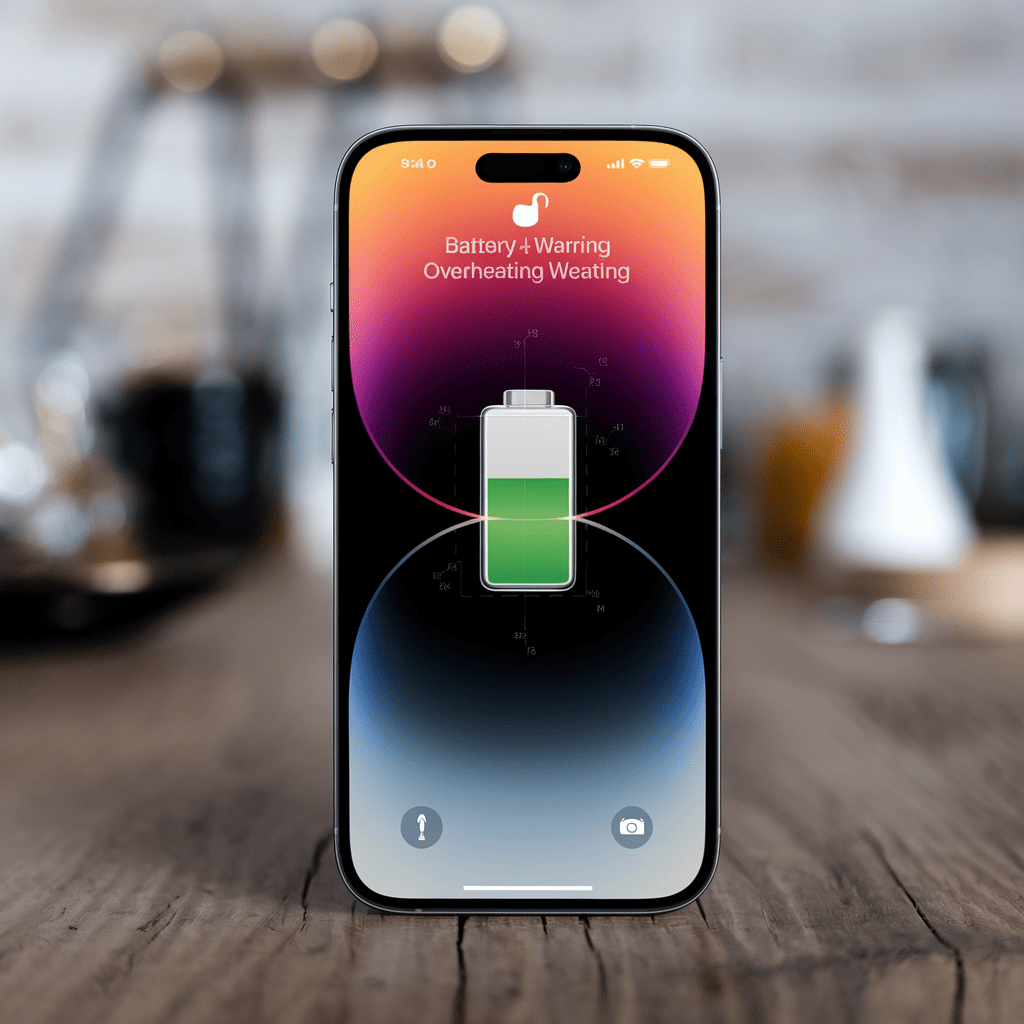
Battery settings
- Check Battery Health: Settings → Battery → Battery Health & Charging. Below 80% maximum capacity, Apple considers the battery worn.
- Use Low Power Mode when you’re running low — it cuts background activity and visual effects.
- Check battery usage by app in Settings → Battery. An app you barely use near the top is misbehaving.
Apps and notifications
- Background App Refresh: Settings → General → Background App Refresh. Turn it off for apps that don’t need it, especially social media.
- Location Services: Settings → Privacy & Security → Location Services. Use “While Using the App” or “Never” instead of “Always”.
- Notifications: turn off alerts for non-essential apps — each one wakes the screen.
Display and connectivity
- Auto-Brightness: Settings → Accessibility → Display & Text Size → Auto-Brightness.
- 5G: if the signal is weak or you don’t need the speed, switch to LTE in Settings → Mobile Service → Mobile Data Options → Voice & Data.
Heat
- Don’t leave the phone in the sun or a parked car.
- Take off thick cases when it’s hot, and avoid gaming while charging.
When Is It Time for a Replacement?
- Maximum capacity is below 80%
- The phone shuts down unexpectedly with charge showing
- It only works properly when plugged in
- The phone is swollen or the screen is lifting — a safety hazard
- It gets unusually hot during charging or light use
⚠️ Swollen battery: power off and get it replaced straight away. Don’t attempt a DIY repair on a swollen battery.
iPhone Battery Replacement at BreakFixNow
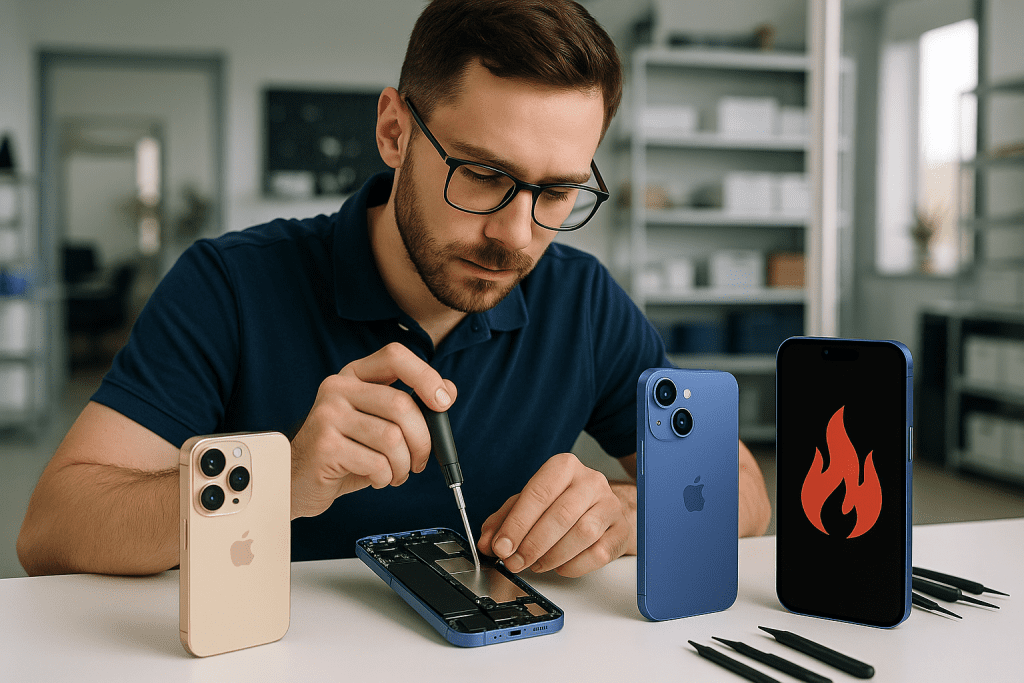
We fit quality replacement batteries, offer a free diagnostic to confirm the problem first, and most replacements take 30–45 minutes — easily done in a lunch break. Every repair comes with a warranty and our “No Fix No Pay” guarantee. Find your nearest BreakFixNow outlet.
Frequently Asked Questions
Why does my iPhone battery drain so fast after an update?
After a major iOS update, the iPhone re-indexes photos and data in the background for a day or two. If drain continues beyond 48 hours, check battery usage by app and Battery Health.
Does heat really damage iPhone batteries?
Yes. Sustained heat above about 35°C speeds up battery ageing permanently. Keep the phone out of direct sun and hot cars.
When should I replace my iPhone battery?
When Battery Health is below 80%, or if the phone shuts down unexpectedly, only works when plugged in, or is swelling.
How long does iPhone battery replacement take?
At BreakFixNow, usually 30–45 minutes after a free diagnostic.
Need an iPhone battery replacement? Free diagnostic, quality batteries, 30–45 minute service and a warranty on every repair.
Related: iPhone 16 screen: Apple vs independent · iPhone repair · 10 common iPhone problems
Fix or Replace?
30–45 minutes
No Fix No PaySame day