
LAPTOP SSD UPGRADE SINGAPORE
Slow laptop? Running out of storage? BreakFixNow upgrades laptop SSDs across Singapore — all brands. We supply the SSD, install it, and migrate all your data. No reinstallation. No data loss. From $120.
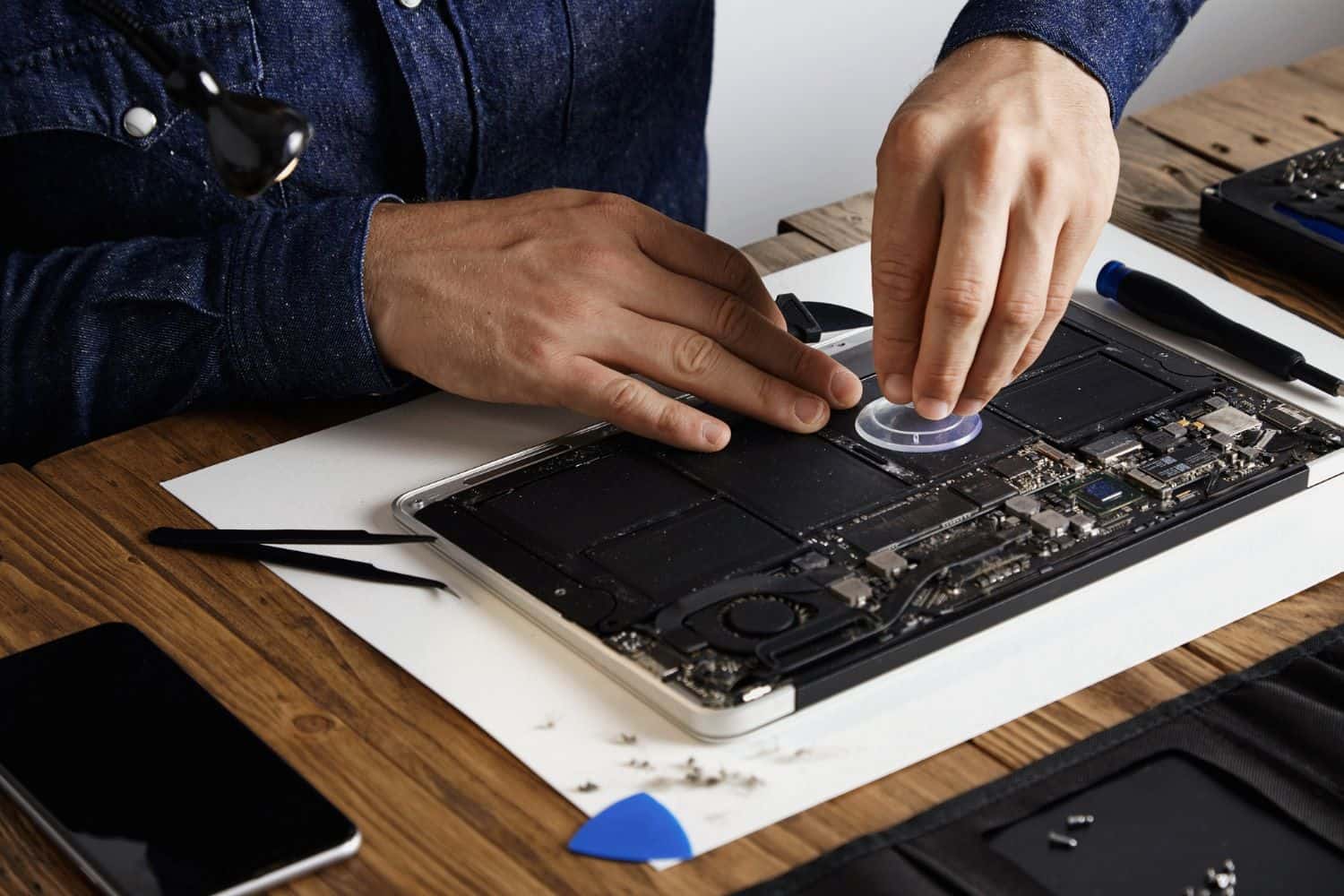
Laptop SSD Upgrade – BreakFixNow Singapore
Quick answer: A laptop SSD upgrade at BreakFixNow Singapore starts from $120 for a 500GB SATA SSD and from $160 for 1TB NVMe, completed in 1–2 hours with full data migration included. Every upgrade includes a free compatibility assessment and a 90-day warranty on parts and labour.
Your laptop’s performance is heavily reliant on its storage drive. A slow or failing HDD or SSD causes frustrating delays, slow boot times, and crashes. At BreakFixNow, we specialise in fast, affordable, and high-quality SSD upgrades for all major laptop brands.
This service includes everything — we source a quality SSD, install it, and migrate all your data across including Windows, apps, files, and settings. Your laptop works exactly the same after the upgrade, just faster. No reinstallation needed. Walk in to our Queen St outlet — no appointment needed.
If you just need your data moved across, our Laptop Clone / Data Migration service covers HDD→SSD and SSD→SSD transfers from $50 (labour only).
📍 Walk-in: 62 Queen St, CYFL 04 Little Red Dot Building, Singapore 188541 | 📞 WhatsApp: +65 9750 4333
Laptop SSD Upgrade Cost – Singapore
Prices below include the SSD, installation, and full data migration.
| SSD Size | Type | Price (SGD) |
|---|---|---|
| 500GB | SATA SSD | From $120 |
| 500GB | NVMe SSD | From $130 |
| 1TB | SATA SSD | From $150 |
| 1TB | NVMe SSD | From $160 |
| 2TB | SATA or NVMe SSD | WhatsApp for quote |
| MacBook (non-soldered models) | Apple-compatible SSD | WhatsApp for quote |
⚠️ Already have your own SSD? Use our Laptop Clone service instead — labour from $50, you supply the drive.
NVMe vs SATA — Which SSD Does Your Laptop Use?
Most laptops made after 2018 use an NVMe M.2 SSD. Older or budget models use a 2.5" SATA SSD. The two are not interchangeable — buying the wrong type is the most common mistake. We identify the correct type for your model before ordering any parts.
Not sure which your laptop takes? WhatsApp us your model and we’ll confirm before you come in. Learn more: What is an SSD? | What is NVMe?
What’s Included
- Compatible SSD sourced and supplied — Samsung, Crucial, Kingston, WD
- Physical installation — we fit the SSD into your laptop
- Full data migration — Windows, apps, files, settings, and browser data all carried across
- System verification — we confirm the laptop boots and runs correctly before handover
- Old drive returned — yours to keep as a backup or wipe
- 90-day warranty — on parts and labour
- All laptop brands — Dell, HP, Asus, Acer, Lenovo, MSI, Razer, Samsung, and more
Why Upgrade Your Laptop SSD?
- Slow boot times — 2–3 minutes on an HDD drops to 15–25 seconds on an SSD
- Laptop freezes or lags when opening apps or files
- Running out of storage on your current drive
- Current SSD is failing — slow performance, errors, or not detected
- Upgrading from a small drive (128GB or 256GB) to 500GB or 1TB
SSD vs Traditional HDD — Quick Comparison
| Criteria | SSD | Traditional HDD |
|---|---|---|
| Performance | ✅ Fast boot and load times | ❌ Slower performance |
| Durability | ✅ No moving parts, shock-resistant | ❌ Fragile mechanical parts |
| Battery Life | ✅ Energy efficient | ❌ Higher power draw |
| Noise & Heat | ✅ Silent, runs cool | ❌ Audible, generates heat |
| Lifespan | ✅ Longer-lasting | ❌ Wears out sooner |
Laptop Brands We Upgrade
- Dell — Inspiron, XPS, Latitude, Vostro, Alienware
- HP — Pavilion, Envy, Spectre, EliteBook, ProBook, Omen
- Asus — VivoBook, ZenBook, ROG, TUF Gaming, ExpertBook
- Acer — Aspire, Swift, Nitro, Predator, ConceptD
- Lenovo — IdeaPad, ThinkPad, Legion, Yoga, Slim
- Apple MacBook — select models only; Apple Silicon MacBooks (M1–M4) have non-upgradeable storage
- MSI, Razer, Samsung, Toshiba, Fujitsu — and more
SSD Upgrade Compatibility by Brand
| Brand | Upgrade Compatibility |
|---|---|
| Lenovo ThinkPad / IdeaPad / Legion / Yoga | ✅ Most models are upgradable |
| HP Pavilion / Envy / Spectre / EliteBook | ✅ Generally upgradable |
| Dell Inspiron / XPS / Latitude / Vostro | ✅ Most support SSD upgrades |
| Asus VivoBook / ZenBook / ROG / TUF | ✅ Largely upgradable |
| Acer Aspire / Swift / Nitro / Predator | ✅ Most support SSD upgrades |
| MSI / Razer Blade | ✅ Most support SSD upgrades |
| Apple MacBook | ❗ Select models only — Apple Silicon (M1–M4) storage is soldered |
| Microsoft Surface | ❗ Only select models are upgradable |
Some models have soldered storage that cannot be upgraded. WhatsApp us your model to confirm compatibility before coming in.
Our Upgrade Process
- Free Assessment — We check your laptop’s current drive type, slot compatibility, and health. No charge, no obligation.
- Upfront Quote — Fixed price covering SSD and labour confirmed before any work begins. No surprises.
- Data Migration — We clone your existing drive to the new SSD. Windows, apps, files, and settings all carry across intact.
- Installation — New SSD fitted into your laptop.
- Verification — We boot from the new SSD and confirm everything works correctly.
- Handover — Laptop returned with new SSD installed. Old drive returned to you.
Laptop SSD Upgrade – FAQ
How much does a laptop SSD upgrade cost in Singapore?
At BreakFixNow, upgrades start from $120 for a 500GB SATA SSD, $130 for 500GB NVMe, $150 for 1TB SATA, and $160 for 1TB NVMe — all inclusive of the SSD, installation, and full data migration. For 2TB or MacBook upgrades, WhatsApp us your model for a quote.
What’s included in the SSD upgrade service?
Everything — we source a compatible SSD, install it, and migrate all your data across including Windows, apps, files, and settings. Your laptop works exactly as before, just faster. 90-day warranty on parts and labour.
How long does the SSD upgrade take?
Typically 1–2 hours including data migration and system verification. You’re welcome to wait at our outlet.
What’s the difference between this and the clone service?
This service covers everything — we supply the SSD, install it, and migrate your data. If you already own an SSD and just need the data transferred, our Laptop Clone service starts from $50 (labour only).
NVMe or SATA — what’s the difference?
NVMe SSDs connect via the M.2 slot and are significantly faster than SATA SSDs. Most laptops made after 2018 use NVMe. We identify the right type for your model before proceeding.
Will I lose my data during the SSD upgrade?
No. Data migration is included — we clone your existing drive to the new SSD so everything carries across intact. We recommend backing up critical files before any hardware work as an extra precaution.
Is my laptop compatible with an SSD upgrade?
Most brands — Lenovo, HP, Dell, Asus, Acer, MSI, and Razer — support SSD upgrades. Some Microsoft Surface models and all Apple Silicon MacBooks (M1–M4) have soldered storage that cannot be upgraded. WhatsApp us your model and we’ll confirm before you come in — assessment is free.
Is it worth upgrading my laptop to an SSD?
Yes — especially if you have slow boot times, frequent freezes, or an ageing HDD. An SSD delivers dramatically faster boot and load times, better durability, longer battery life, and quieter, cooler operation. It’s one of the most cost-effective ways to make an older laptop feel new again.
What size SSD should I choose?
500GB is comfortable for most users. 1TB is recommended if you store large files, game installs, or video footage. We can advise based on your current usage when you bring the laptop in.
Do you offer warranty after the SSD upgrade?
Yes — all SSD upgrades come with a 90-day warranty on parts and labour.
Can you upgrade a MacBook SSD?
Select MacBook models yes — however MacBooks with Apple Silicon (M1, M2, M3, M4) have storage soldered to the board and cannot be upgraded. WhatsApp us your MacBook model to confirm.
Book a Laptop SSD Upgrade
WhatsApp us your laptop model and current storage for a fast estimate. Walk in with no appointment needed.
📍 62 Queen St, CYFL 04
Singapore 188541
Mon–Sat: 11am–8pm
Sun: 12pm–6pm
Laptop Clone Service • Screen Repair • Battery Replacement • Keyboard Repair • Storage & Performance Terms • Laptop Repair Glossary